FsBlockLibrary
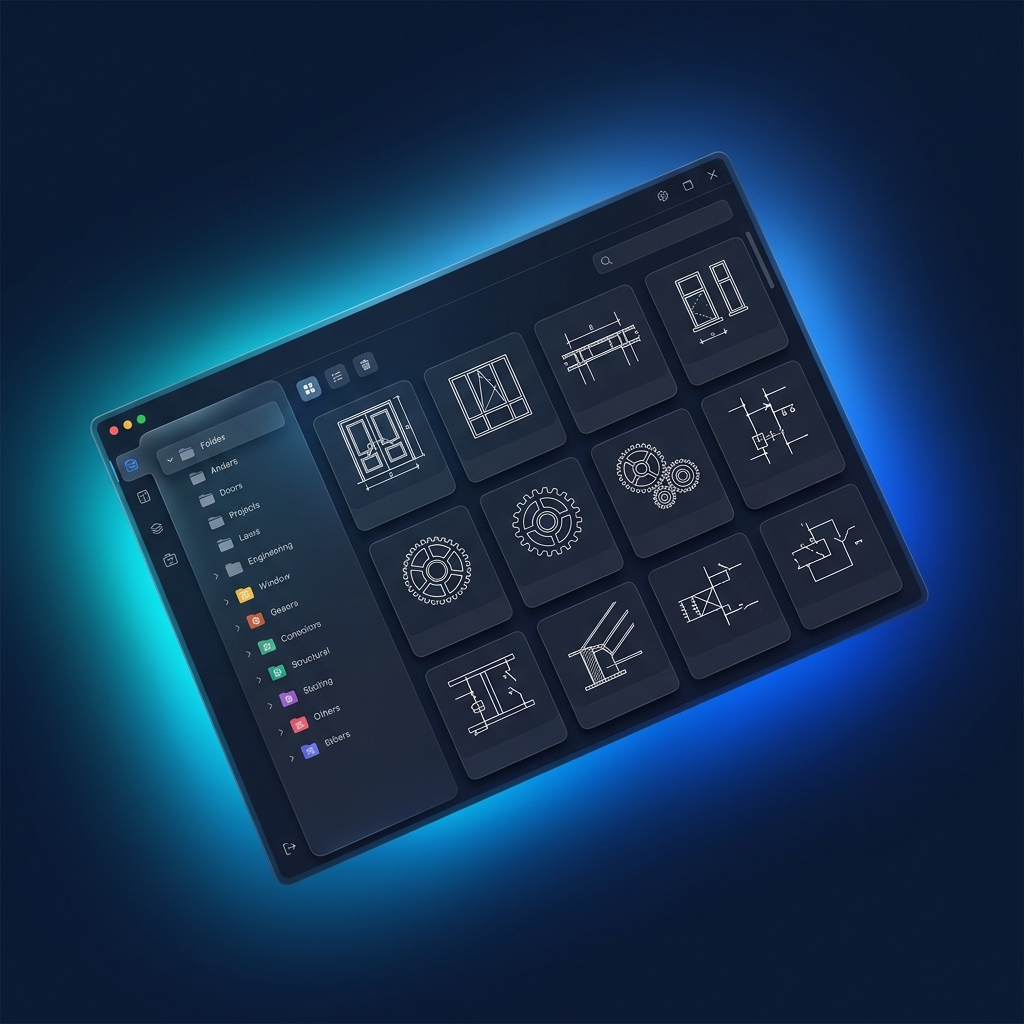
FsBlockLibrary is a high-performance local block library plugin for AutoCAD x64, fully supporting AutoCAD 2019-2027. With the Block Library Manager (MBL) and Insert Block (IB) commands, you can easily manage categorized blocks with visual thumbnail previews, keyword-powered instant search, and one-click insertion. Completely free with no functional limitations.
Fonctionnalités clés
- Visual thumbnail preview — see every block at a glance
- Millisecond-level fuzzy search across names, descriptions, and notes
- Customizable category tree for flexible block organization
- Insert with custom scale & rotation, with optional Explode mode
- Block property editing — modify name, category, description, and multi-line notes
- One-click block DWG rebuild or HD thumbnail regeneration
- Customizable screen menu & toolbar with pinnable category groups
- Built-in update checker, free forever with no feature limits
Plateformes prises en charge
Usage Guide
Master your AutoCAD block library in four simple steps and enjoy a seamless local management experience.
1. Download & Install
Get the latest MSI installer and complete the setup in seconds. It's completely free with no functional limitations, automatically adapting to your AutoCAD 2019-2027 environment.
2. Block Library Manager (MBL)
Enter the `MBL` (ManageBlockLibrary) command in CAD to open the manager. Simply select entities in the viewport and pick a base point to quickly create blocks. Easily organize categories and properties.
3. Fast Search & Insert (IB)
Type `IB` (InsertBlock) to bring up the insertion panel. Experience millisecond-level fuzzy search across block names and descriptions. Customize scale and rotation, and smoothly drag and drop blocks into your drawing.
4. Customize Your Workspace
Use the `FsMenuSettings` command to freely customize the AutoCAD screen menu and toolbar. Adjust text sizes, docking positions, and even pin frequently used categories for instant access.